ゲームについて
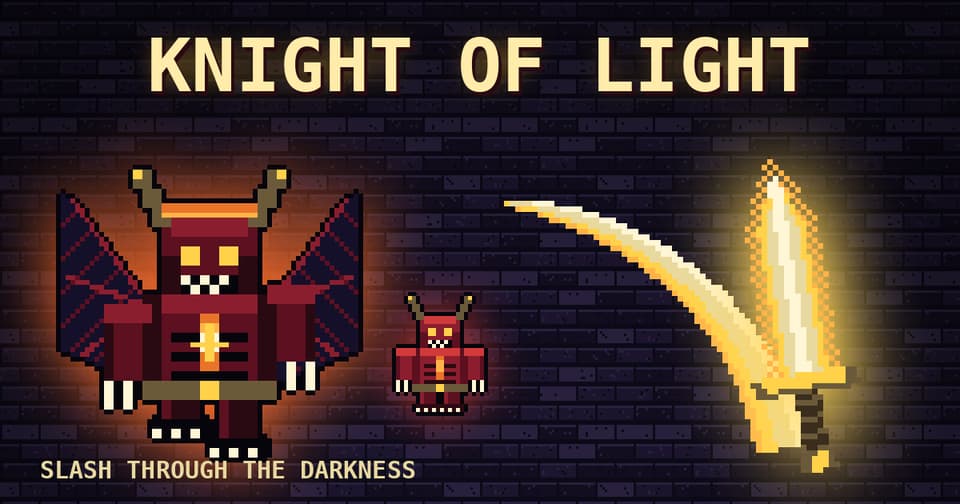
Knight of Lightは、一人称視点のダンジョン・ファイターです。光り輝く剣を手に、押し寄せる闇の怪物たちをなぎ倒しましょう。Catacombs、Frozen Crypt、Ember Depthsの全3ステージで、それぞれ待ち受けるボスを撃破してください。敵の攻撃を回避し、Light魔法をチャージして周囲の敵を一掃しましょう。また、光るオーブを拾うことで、Range、Fury、Haste、Heal、Shieldの強化を得られます。素早いランナーや力強いブルートなど、敵のバリエーション豊かな戦いを楽しめます。
自動翻訳
- 推奨年齢:12+
- 今月 15 回プレイ
遊び方
タッチ操作:左側のジョイスティックで移動、右側をドラッグして視点変更。ATTACKで剣を振るい、DODGEで攻撃を回避、LIGHT(長押ししてから離す)で周囲の敵を吹き飛ばします。キーボード操作:WASDで移動、Q/Eで旋回、Spaceで攻撃、Shiftで回避、LでLight、Pでポーズ。
ゲームガイド
Gamealia チーム執筆
How to play
Knight of Light is a first-person dungeon fighter. Wield a glowing sword, slash through waves of dark creatures and defeat the boss at the end of each of three stages: the Catacombs, the Frozen Crypt and the Ember Depths.
Controls
- Touch: joystick on the left side to move, drag on the right side to look around.
- ATTACK swings the sword and DODGE slips away from blows.
- LIGHT: hold, then release to blast nearby enemies.
- Keyboard: WASD to move, Q and E to turn, Space to attack, Shift to dodge, L for Light, P to pause.
Power-ups
Grab the glowing orbs that appear during fights. They grant Range, Fury, Haste, Heal or Shield, and picking the right one at the right moment can turn a hard wave around.
Tips
- Fast runners and heavy brutes behave differently: keep moving and do not let a group surround you.
- Save Light for when several enemies are close, since it hits everything nearby.
- Use DODGE to slip away from blows instead of standing still and trading hits.